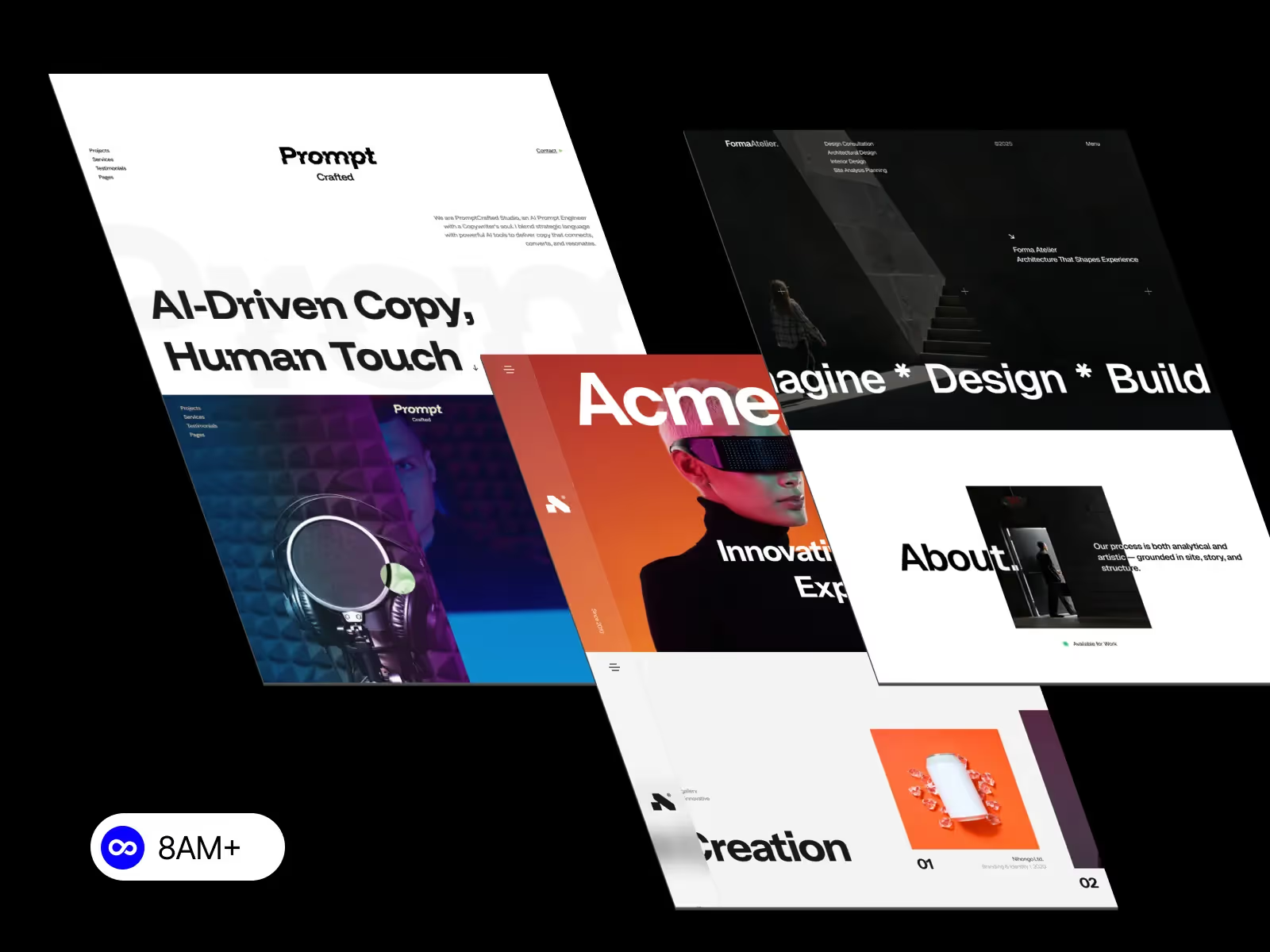
A component-driven CMS in Webflow streamlines scalability, consistency, and collaboration. Reusable components and dynamic content simplify updates, speed up workflows, and keep every page visually consistent and SEO-friendly for growing teams.

As digital projects grow in size and complexity, maintaining design consistency and managing content can become a serious challenge. That’s why modern teams are shifting toward a component-driven CMS approach — and Webflow makes it easier than ever.
By combining Webflow’s CMS Collections with reusable components, you can build a scalable, modular, and efficient system for managing design and content at any scale. Whether you’re running an agency, building a blog network, or managing a corporate website, this architecture delivers structure, speed, and long-term flexibility.
Let’s explore the top benefits of using a component-driven CMS in Webflow and why it’s becoming the gold standard for scalable web design.
Traditional web design often breaks under pressure as new pages and sections are added. A component-driven CMS solves this by separating content from presentation.
Each page is built from reusable components (like cards, headers, and sections) that automatically pull data from CMS Collections. This allows you to:
Webflow’s dynamic CMS templates ensure that growth doesn’t slow your design workflow — it accelerates it.
Brand consistency is critical for professional web design. With a component-driven approach, every visual element follows the same design system.
You can design a component (for example, a blog card), bind it to CMS fields, and reuse it across your entire site. When you update the component — colors, typography, spacing — it automatically applies everywhere.
Benefits:
This ensures your Webflow projects stay cohesive, even as multiple designers or editors contribute.
One of the biggest advantages of Webflow’s CMS is how easily non-designers can update content. A component-driven CMS takes that even further.
Your content team can:
This separation between design and content empowers marketers, copywriters, and clients to update their site without touching layouts or structure.
Repetition is the enemy of productivity. Instead of rebuilding the same layout every time, you create components once and reuse them everywhere.
In a component-driven system:
Webflow’s visual editor makes this process smooth and visual, so even large teams can collaborate without friction.
Imagine a client asking for a design change on all testimonial sections across their site. With static pages, that’s hours of manual editing. With a component-driven CMS, it’s one update — and it propagates everywhere.
This structure dramatically simplifies:
The result is a maintainable, future-proof website that saves time and money.
A component-driven CMS creates a shared system where designers, developers, and content editors can all work efficiently.
This reduces communication overhead, eliminates bottlenecks, and lets your team ship projects faster — perfect for agencies and startups managing multiple brands at once.
A modular CMS architecture also improves technical performance — a key factor for both user experience and SEO.
Webflow’s component-driven sites are:
Because every page pulls clean, consistent HTML from Webflow’s CMS, Google can better understand your site hierarchy and content relationships — boosting rankings naturally.
Once you’ve built a component-driven CMS in Webflow, you can clone and adapt it for future clients or projects.
For agencies, this means:
Over time, this approach builds your own internal Webflow framework — a scalable library of templates, styles, and logic ready for any project.
A component-driven CMS in Webflow is more than a design technique — it’s a strategy for building scalable, efficient, and high-performing websites.
By combining modular components with dynamic CMS content, you empower teams to work faster, maintain consistency, and deliver flexible websites that grow effortlessly over time.
Whether you’re a solo designer, a growing studio, or a full-service agency, adopting this approach transforms your Webflow workflow from project-based to system-based — creating lasting value with every build.
Explore component-driven Webflow templates at 8am.design — built for agencies, creators, and teams who want speed, structure, and style in every project.




.svg)
.svg)
.svg)