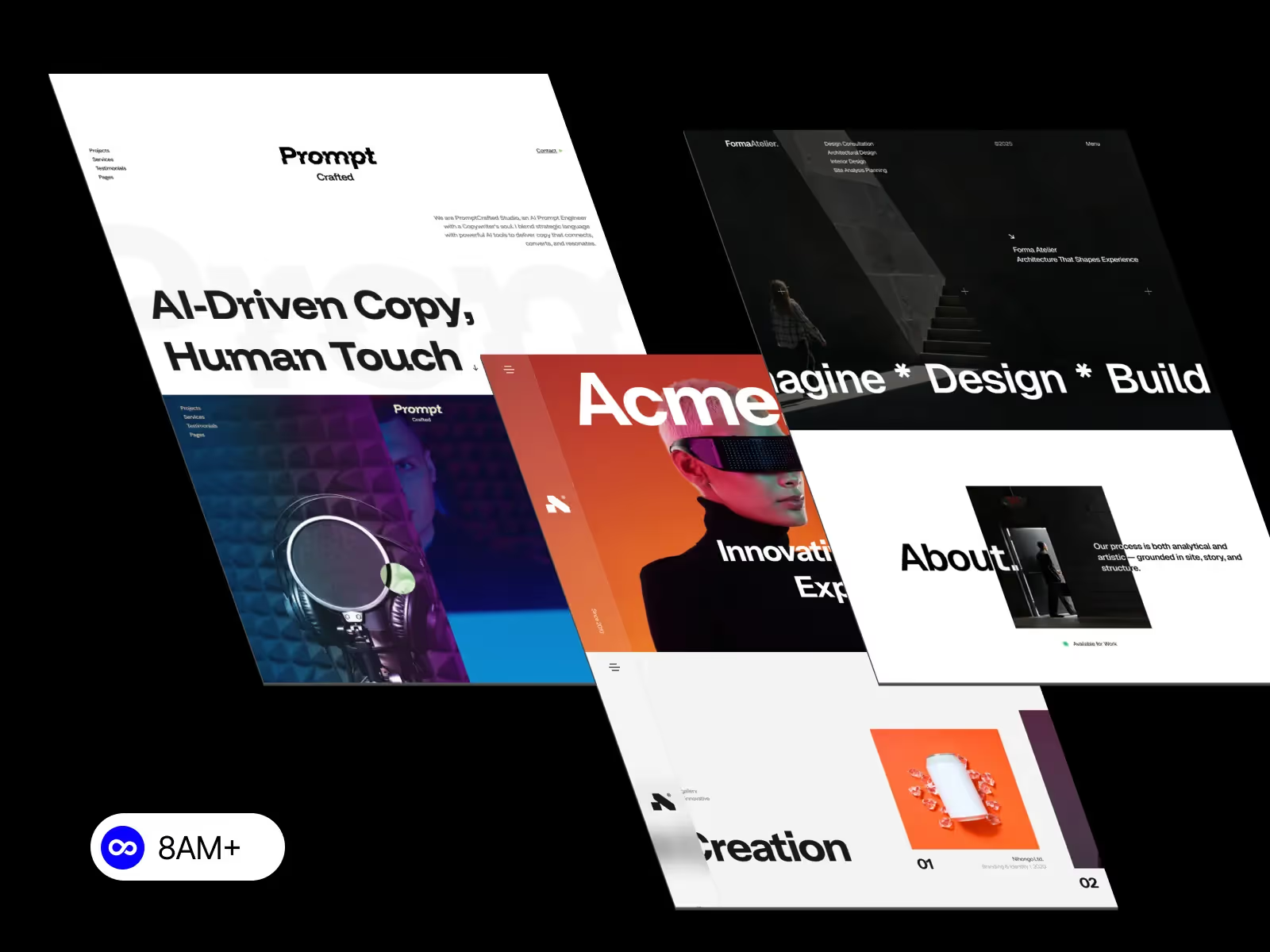
In today’s no-code era, two names dominate the modern web design landscape — Framer and Webflow. Both platforms empower designers to create professional, responsive websites without touching a single line of code. But which one is better for you in 2026? Let’s dive into the key differences, strengths, and ideal use cases for each platform.

Webflow has long been the go-to solution for designers who want full control over layout, CMS, and hosting. It bridges the gap between design and development, giving you pixel-perfect precision.
Framer, on the other hand, continues to rise as a favorite for designers who value speed, simplicity, and built-in animations. It’s known for its sleek interface and effortless publishing workflow.
Both platforms have evolved rapidly — Webflow has introduced better collaboration tools and components, while Framer has refined its drag-and-drop blocks and AI-powered design assistance.
FeatureWebflowFramerVisual ControlPrecise control over CSS, grids, and positioningSimple drag-and-drop layoutDesign FreedomIdeal for designers who want custom structuresIdeal for fast prototypingAnimationAdvanced timeline interactionsBuilt-in smooth transitionsEase of UseModerate learning curveBeginner-friendly
✅ Verdict:
Choose Webflow if you need a pixel-perfect layout and detailed control.
Choose Framer if you prioritize quick results and modern motion effects.
Webflow’s CMS is one of its strongest features — perfect for blogs, portfolios, or large-scale projects with repeatable content structures. You can easily bind dynamic data to any design element.
Framer has also introduced a lightweight CMS system, suitable for simpler use cases like portfolios or landing pages, but it’s not as robust as Webflow’s.
✅ Verdict:
For content-heavy websites, go with Webflow CMS. For smaller projects or landing pages, Framer CMS is enough.
When it comes to SEO, Webflow provides a comprehensive toolkit — meta tags, open graph settings, automatic sitemaps, and clean HTML.
Framer offers great page speed and modern web standards but is still catching up in granular SEO customization.
✅ Verdict:
If SEO optimization is your top priority, Webflow has the edge.
If design speed and motion are more important, Framer is still excellent.
Both platforms support team collaboration, but in different ways:
✅ Verdict:
Webflow suits structured agency workflows.
Framer suits agile design teams who love quick iterations.
✅ Verdict:
Both are affordable for individual creators, but Framer offers more value for quick personal projects, while Webflow fits professionals managing multiple clients.
Both Framer and Webflow redefine what’s possible in no-code web design.
If you’re a designer who loves structure, control, and SEO, go with Webflow.
If you’re a creative who values animation, collaboration, and simplicity, Framer is your perfect match.
Whichever you choose, you can explore premium, ready-to-use templates from 8am.design to start faster and look professional from day one.




.svg)
.svg)
.svg)