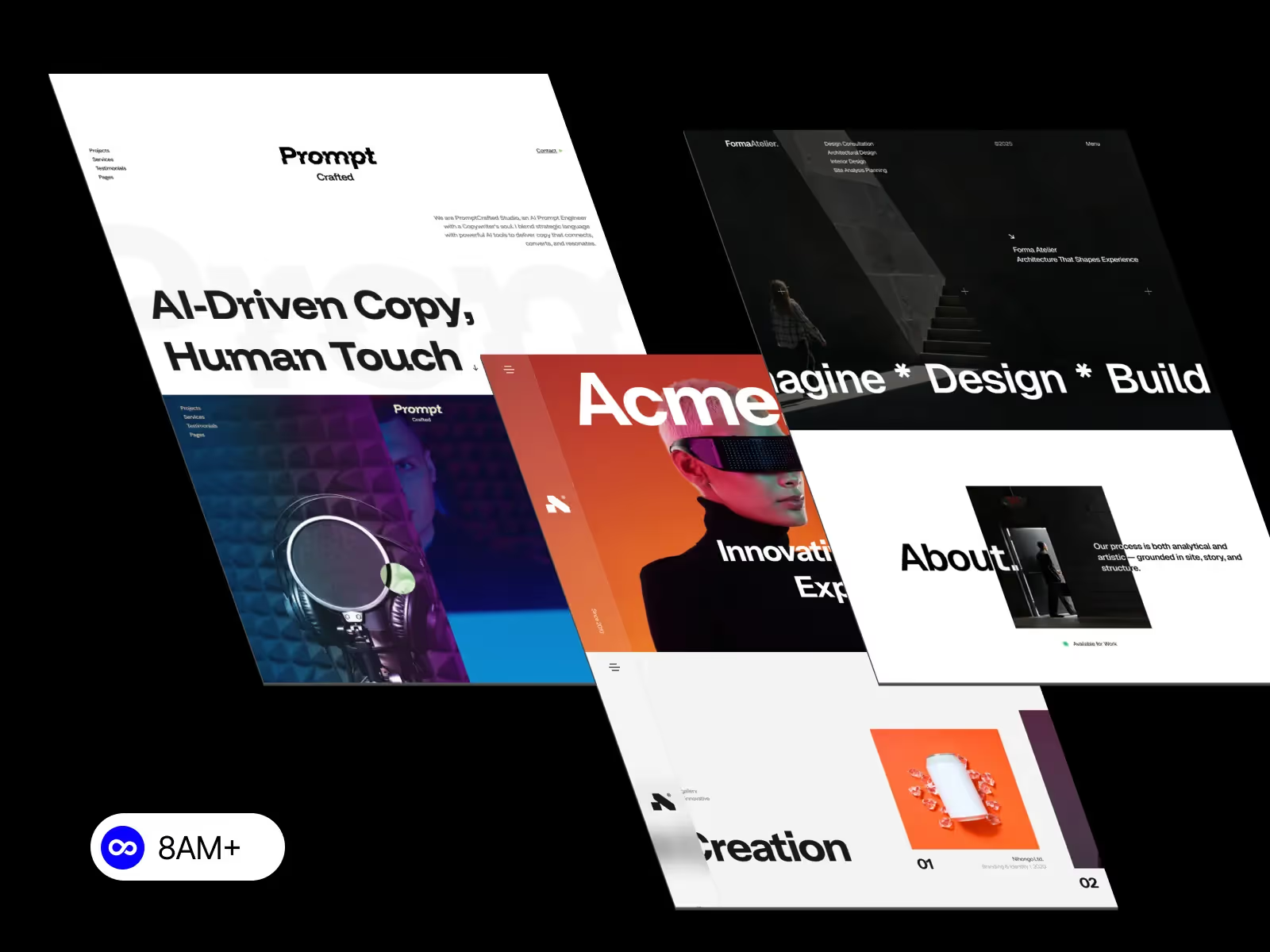
Building a professional website no longer requires years of coding experience. With visual web design tools like Webflow and Framer, anyone can design, build, and launch a stunning website—without touching a single line of code. Whether you’re a freelancer, startup founder, or creative professional, these tools make it easy to bring your ideas to life in record time.

Webflow and Framer are powerful no-code website builders that combine visual design freedom with robust features usually reserved for developers.
Both platforms let you design directly in the browser and publish instantly—no developers required.
The no-code movement empowers designers and business owners to take control of their digital presence. Some key benefits include:
Here’s how you can start building your first website using Webflow:
💡 Tip: Try using pre-built Webflow templates from 8am.design for a head start—optimized for performance, responsiveness, and SEO.
If you prefer a more intuitive, motion-friendly interface, Framer is a great choice:
Framer is perfect for startups, creators, and agencies that want a polished, animated site with minimal setup.
Both Webflow and Framer have unique strengths:
FeatureWebflowFramerDesign ControlAdvanced layout customizationSimple and visual drag-and-dropAnimationCustom InteractionsBuilt-in animationsCMS SupportPowerful & scalableLightweight CMSLearning CurveModerateBeginner-friendlyBest ForAgencies, professionalsCreators, startups
If you’re looking for scalability and control, go with Webflow. If you want quick, modern results with built-in motion, Framer is ideal.
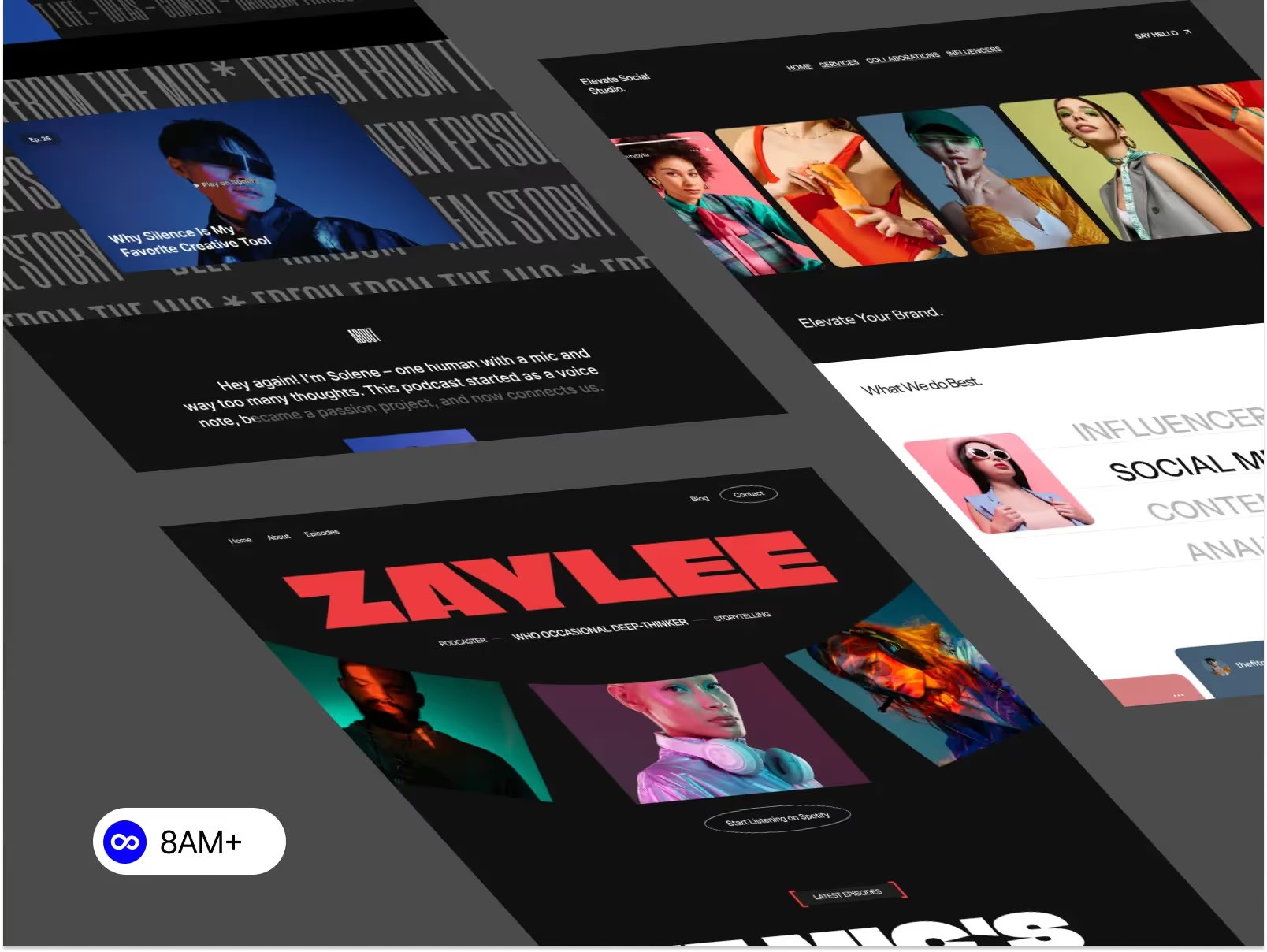
Starting from scratch can be overwhelming. That’s why pre-made templates are a great solution. You can browse premium Framer and Webflow templates at 8am.design — all crafted for creatives, startups, and agencies.
Each template is fully customizable, responsive, and optimized for SEO performance.
You don’t need to know how to code to create a professional website anymore. Tools like Webflow and Framer give you the power to design, build, and launch visually stunning websites—all without writing a single line of code.
Whether you’re building your first online portfolio or launching a new business, the right template can help you move faster and look professional from day one.




.svg)
.svg)
.svg)