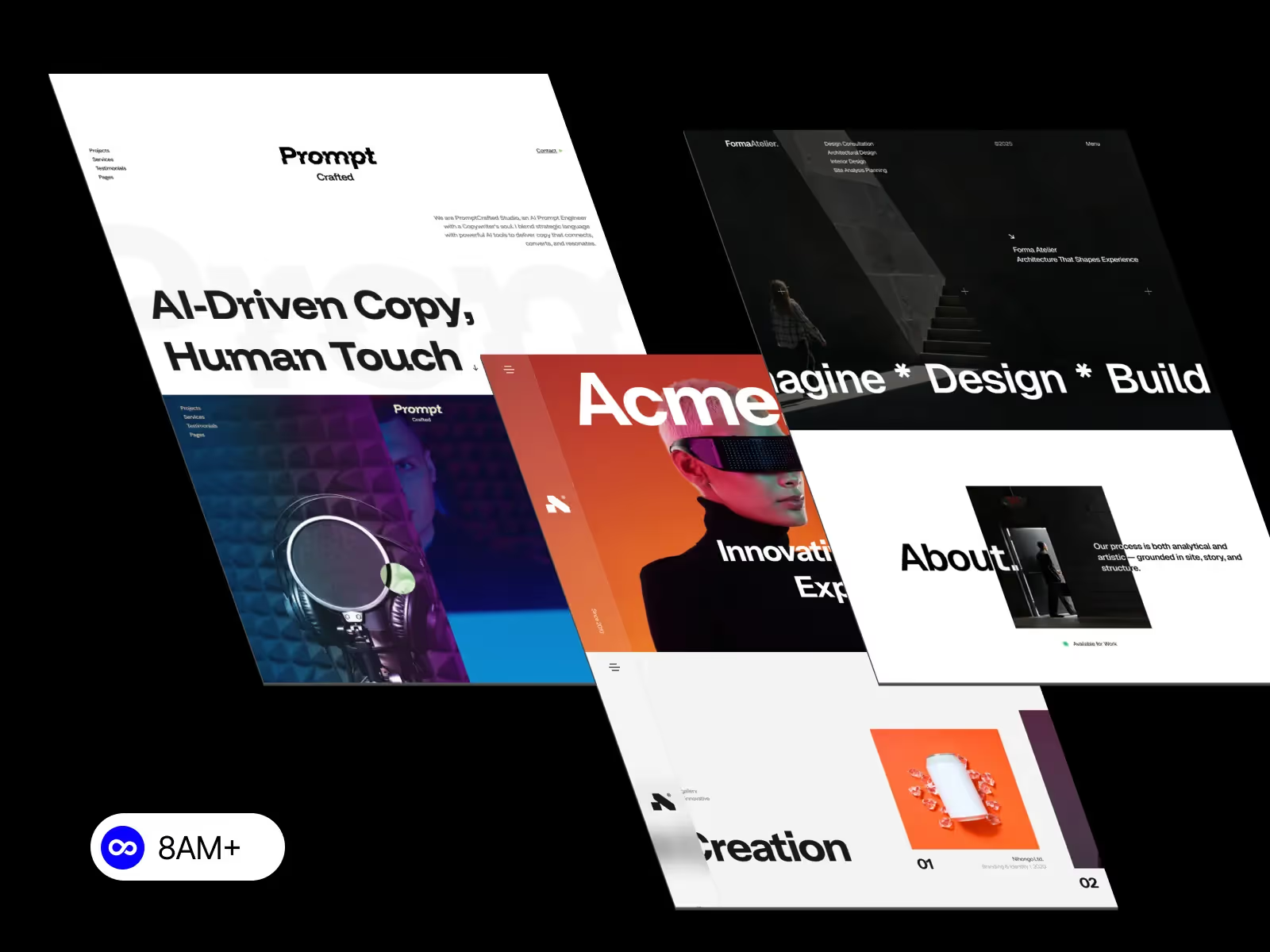
Scroll-triggered reveals make a page feel interactive and alive — perfect for portfolios, case studies, and landing pages. Webflow lets you create them visually, without coding. Let’s explore how to build clean, performant reveals that captivate users.

Have you ever scrolled through a website where each section gracefully appears — like reading a story one scene at a time? That’s the magic of scroll-triggered reveal animations.
In Webflow, you don’t need custom JavaScript or third-party libraries to achieve this effect. You can use Interactions to make content appear as users scroll, creating depth and momentum throughout the page.
This guide walks you through designing scroll reveals that feel smooth, fast, and purposeful — the kind of motion that draws people in without slowing them down.
Before you animate anything, organize your layout.
reveal-section or reveal-card.Think of each wrapper as a “scene.” The clearer your structure, the easier it is to apply animations efficiently later.
Select the element you want to animate (like a headline or image), and in the Style panel, set its initial visual state:
0%Transform → Translate Y = 30pxThis creates the illusion that the element is hidden below the viewport, ready to fade in as the user scrolls.
Now for the fun part — making it move!
reveal-section).ease-out and duration around 0.6s for a natural feel.To make multiple elements reveal rhythmically, apply a stagger delay.
In Webflow, set each child element to start 0.05–0.1 seconds apart.
This small timing offset adds polish and avoids robotic movement.
Smooth animation is all about restraint:
Keep an eye on Core Web Vitals — animations should enhance the experience, not slow it down.
Reveal animations don’t have to feel generic.
Experiment with direction:
filter: blur(8px) and animate to 0 for a cinematic effect.Just remember — good animation is felt, not noticed.
Accessibility matters. Not all users enjoy motion-heavy interfaces.
Add this CSS snippet to your project:
@media (prefers-reduced-motion: reduce) {
  * { animation: none !important; transition: none !important; }
}
This ensures users with motion sensitivity still enjoy your content comfortably.
Scroll-triggered reveals pair beautifully with:
When done right, you can guide users through an entire journey using nothing but scroll and subtle movement.
Scroll-triggered reveals bring storytelling and depth to your Webflow designs. They help users focus on content, not clutter.
Start small — animate one section, one headline, one image — and build confidence from there. With careful structure, accessible motion, and smooth timing, you’ll craft experiences that feel modern, dynamic, and intentional.
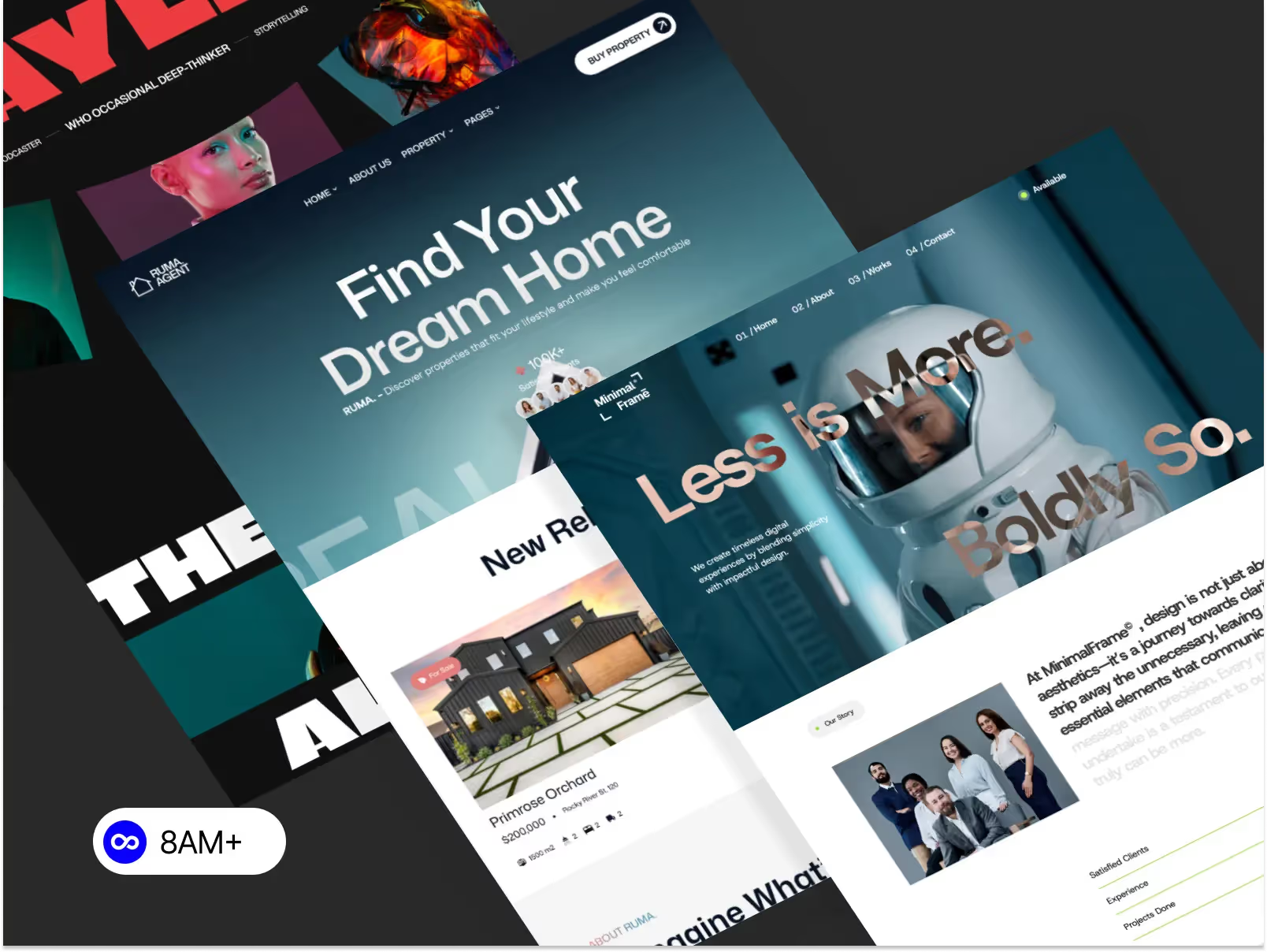
Explore pre-built Webflow templates with smooth scroll animations and modern UI systems at 8am.design — made for designers who want performance and storytelling in one flow.




.svg)
.svg)
.svg)