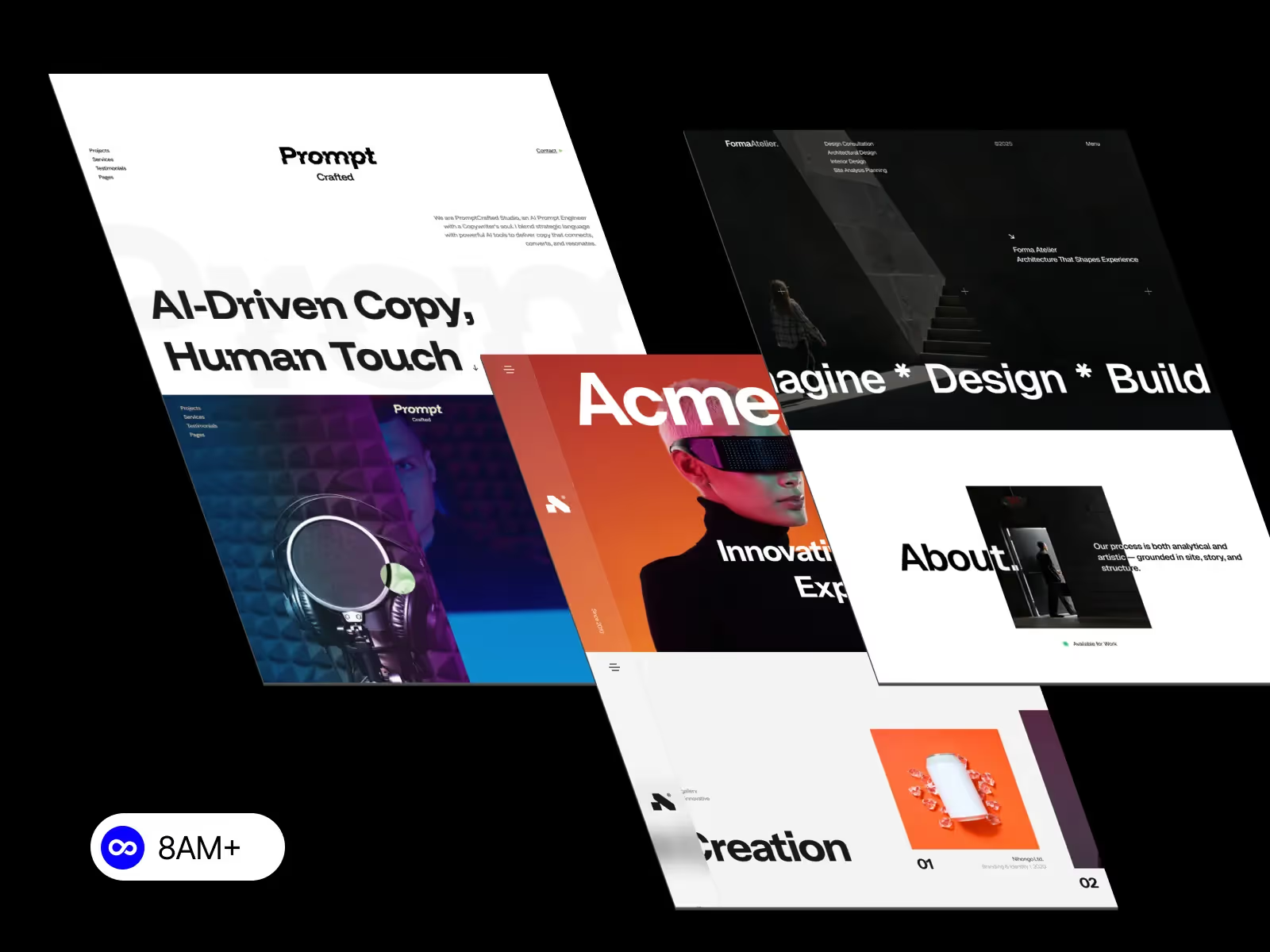
Consistency is the key to a professional, user-friendly website. From typography and colors to spacing and button styles, every element should feel unified across pages.
In Webflow, maintaining consistent design across every page is simple when you use global styles, reusable components, and structured systems. This approach not only improves brand perception but also speeds up your workflow and ensures your projects scale beautifully.
Here’s how you can build — and maintain — a consistent design system in Webflow.
Design consistency builds trust. When users navigate your site, they should recognize familiar visual patterns and interactions. Inconsistent design — mismatched fonts, uneven layouts, or random button styles — confuses visitors and weakens credibility.
Benefits of consistent design:
With Webflow’s system-based tools, you can achieve this balance seamlessly.
Webflow’s Global Styles allow you to define consistent visual rules that automatically apply across your entire site.
.section, .container, or .heading-large to keep spacing and layout predictable.When you need to update your brand color or font, change it once — and Webflow applies it across every page automatically.
Consistency thrives on reusability. In Webflow, you can save elements like headers, footers, and call-to-action blocks as Components (formerly Symbols).
When you modify the component (like updating a menu link), the change reflects everywhere — ensuring perfect alignment across your entire site.
A consistent design relies on rules, not guesswork. Create a visual design system that defines your website’s foundational elements.
Include:
To document this, build a Style Guide Page inside your Webflow project. This serves as a living reference for you and your team — a one-stop visual manual for your brand’s look and feel.
Grid and flexbox are powerful layout tools in Webflow — but consistency is key.
This ensures your site feels cohesive, even when viewed on tablets or mobile screens.
If your site uses Webflow CMS, you can maintain visual harmony by binding dynamic content to pre-styled components.
For example:
By reusing styles and binding them to dynamic fields, your design remains aligned — even as you add more content.
A well-organized class naming system ensures your design stays manageable.
section--hero for hero sectionssection--testimonial for testimonialsbtn--primary, btn--secondary for button stylesConsistent naming helps you and your team quickly identify and reuse styles without confusion.
As your project grows, run periodic design audits. Check for:
Webflow’s Style Manager helps you identify redundant styles and clean up your design system easily.
Consistency in Webflow isn’t just a visual goal — it’s a strategic advantage. Using global styles, reusable components, and a structured design system keeps your website professional, scalable, and easy to maintain.
When your design feels unified, users trust your brand more — and your workflow becomes faster with every project.
Explore Webflow templates and design systems at 8am.design — crafted for creators and agencies who want consistent, scalable, and performance-driven websites.





.svg)
.svg)
.svg)