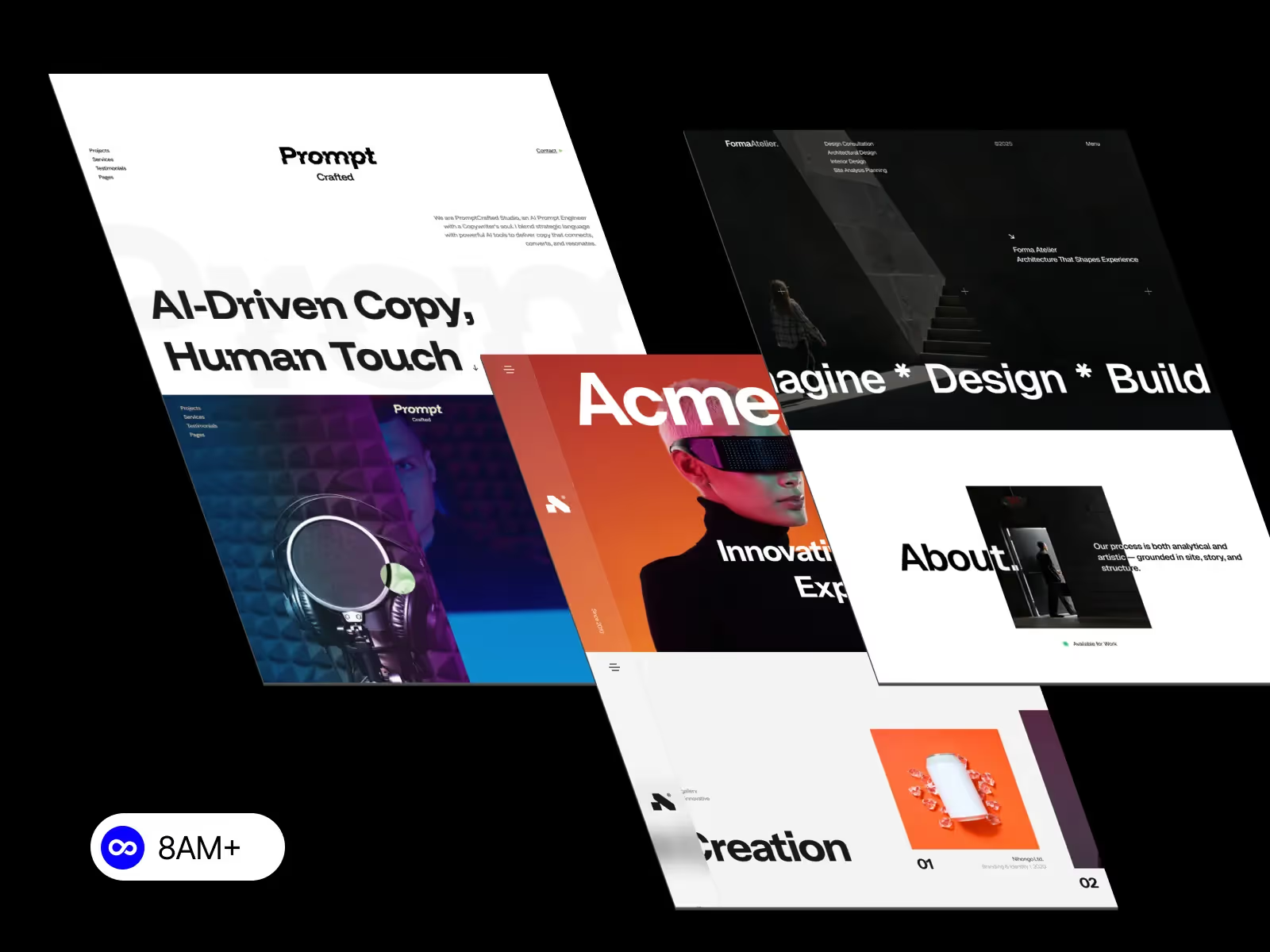
Webflow responsive design refers to the process of creating websites in Webflow that automatically adapt to different screen sizes, including desktop, tablet, and mobile devices. Instead of manually writing CSS media queries, Webflow provides a visual interface that manages responsiveness through breakpoints and layout rules.

Webflow responsive design refers to the process of creating websites in Webflow that automatically adapt to different screen sizes, including desktop, tablet, and mobile devices. Instead of manually writing CSS media queries, Webflow provides a visual interface that manages responsiveness through breakpoints and layout rules.
At its core, Webflow responsive design is built on modern CSS principles such as Flexbox, Grid, and relative units. When you design a page in Webflow, elements inherit styles from larger screens and can be customized specifically for smaller breakpoints. This ensures consistency while allowing precise control.
Webflow uses a desktop-first approach, meaning styles are defined on the desktop breakpoint and then adjusted downward. Designers can modify spacing, font sizes, layout direction, and visibility for tablet and mobile views without affecting the desktop layout.
One key advantage of Webflow responsive design is real-time preview. You can instantly see how your site behaves across devices, reducing errors before publishing. Combined with clean, production-ready HTML and CSS output, Webflow ensures responsive websites remain fast and SEO-friendly.
In short, Webflow responsive design simplifies complex responsive workflows while still giving designers professional-level control—making it ideal for startups, agencies, and modern businesses.
Yes, Webflow is responsive by default, but responsiveness still depends on how you design your layout. Webflow automatically generates responsive HTML and CSS, but poor structure or fixed sizing can break layouts on smaller screens.
By default, Webflow applies styles starting from the desktop breakpoint. Tablet and mobile views inherit these styles unless you override them. This inheritance system allows you to fine-tune layouts efficiently, but it also means mistakes at the desktop level can cascade down.
Common beginner errors include:
Webflow does not automatically redesign layouts for mobile—you must intentionally adjust spacing, typography, and layout direction for each breakpoint. The platform gives you tools, but best practices still matter.
When used correctly, Webflow produces fully responsive websites that meet modern UX and SEO standards. The key is understanding layout fundamentals rather than relying solely on defaults.
Webflow breakpoints define how your website adapts to different screen sizes. By default, Webflow includes breakpoints for desktop, tablet, mobile landscape, and mobile portrait.
Design changes made on a smaller breakpoint only affect that breakpoint and below. This cascading system allows you to progressively optimize layouts for smaller screens without rewriting everything.
Understanding breakpoints is essential for effective Webflow responsive design. For example:
Breakpoints are not just visual tools—they directly control the CSS generated by Webflow. Proper breakpoint management ensures your site looks intentional, not “shrunk.”
Building a responsive website in Webflow starts with structure. Use containers, sections, and consistent spacing before adding visual styling.
Key steps:
Avoid fixed widths and heights whenever possible. Instead, rely on percentages, max-widths, and auto layouts. This ensures your design adapts naturally across devices.
A responsive Webflow site isn’t just about resizing—it’s about maintaining usability, readability, and visual hierarchy everywhere.
Webflow allows you to build responsive layouts without writing code by using Flexbox and Grid visually.
Flexbox is ideal for:
Grid works best for:
By combining these tools with relative units and breakpoint overrides, you can achieve professional responsive behavior entirely inside the Designer.
Responsive typography ensures text remains readable across devices. In Webflow, this is achieved by using EM, REM, and fluid scaling techniques.
Best practices include:
Typography directly affects usability, SEO, and perceived quality. Webflow makes responsive typography manageable without complex calculations.
The most common Webflow responsive design mistakes include:
These issues usually stem from desktop-only thinking. The fix is simple: design mobile layouts intentionally, not as an afterthought.
Regular breakpoint checks and clean structure prevent most responsive problems.
If your Webflow site looks broken on mobile, the issue is often:
Fixes include:
Mobile issues are design problems, not platform limitations.
Traditional responsive design relies on CSS media queries, while Webflow abstracts this process visually.
Webflow generates media queries automatically based on breakpoint settings. This speeds up development and reduces errors while maintaining clean code output.
For designers, Webflow offers faster iteration without sacrificing technical quality.
Flexbox is best for one-dimensional layouts (rows or columns), while Grid excels at two-dimensional layouts.
In Webflow responsive design:
Understanding when to use each improves responsiveness, scalability, and performance.
Save time, reduce complexity, and ship faster.Discover premium responsive Webflow templates at 8am.design, built for modern businesses and scalable growth.





.svg)
.svg)
.svg)